:format(webp))
:format(webp))
From Node.js to Deno and Bun — a practical full-stack migration guide
Read this and you'll know the architectural differences between Node, Deno, and Bun; what changes for backend, frontend, and tooling; concrete migration steps you can apply today; and a set of practical advantages each runtime gives you that most roundups miss.
The JavaScript runtime landscape — quick orientation
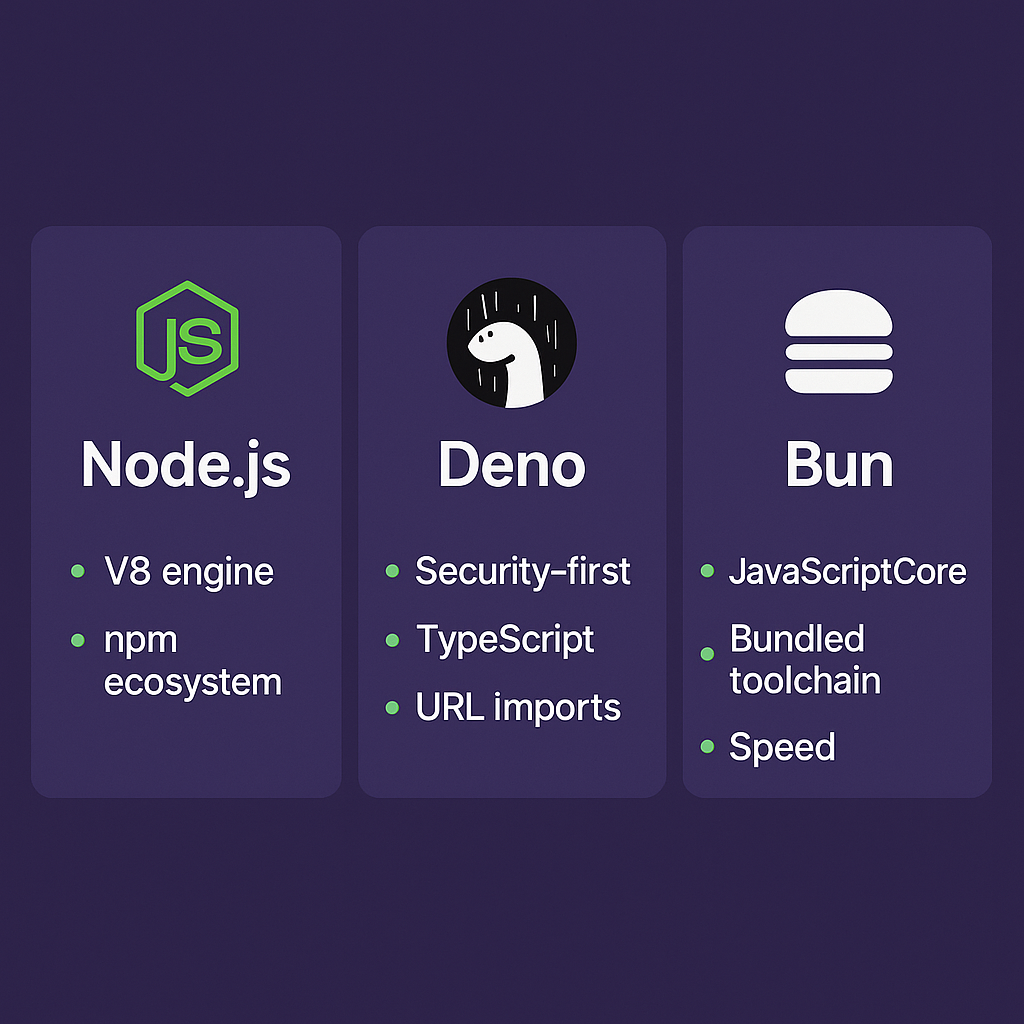
Node.js, built on the V8 engine, is mature and ecosystem-rich, leveraging the extensive npm registry for package management. Deno was created with a security- and web-standards-first mindset, offering first-class TypeScript support and URL-based imports as documented in Deno's manual. Bun focuses on raw speed and an all-in-one developer toolchain built on JavaScriptCore, as introduced on the Bun official site.
Core technical differences
Each runtime changes the defaults you rely on.
Security and permissions: Deno employs a permission-first model—scripts have no network, file, or OS access unless explicitly granted. The Deno permission model makes it straightforward to codify runtime privileges for CI/CD pipelines, allowing you to audit deploy-time flags and enforce least privilege.
Engine and native behavior: Bun is built on Apple’s JavaScriptCore, the engine behind Safari, which explains some of its performance and interoperability characteristics. In contrast, both Node.js and Deno rely on the V8 engine.
Built-in batteries: Deno includes a standard library and first-class TypeScript support, as outlined in a FreeCodeCamp overview of Deno, eliminating many external dependencies. Bun similarly bundles a fast bundler, package manager, task runner, and runtime APIs within a single binary, as described in its GitHub repository.
Module resolution: Deno promotes ESM and URL-based imports (e.g., importing modules from arbitrary URLs), following web standards for modules. Node.js historically used CommonJS and a node_modules directory but now supports ESM as well, with compatibility details outlined on Node.green.
Tooling language: Deno’s CLI and most tooling are implemented in Rust, contributing to consistent performance of the formatter, linter, and test runner, as discussed in the Deno v1.0 preview blog.
Feature | Node.js | Deno | Bun |
|---|---|---|---|
Security & Permissions | No default sandboxing; grants all process/file access | Permission-first model; explicit grants required | No default sandboxing; similar to Node.js |
Engine | V8 | V8 | JavaScriptCore (Safari’s engine) |
Built-in Batteries | Minimal; requires external packages for tooling/utilities | Bundled standard library, built-in TypeScript, official tooling | Bundled bundler, task runner, package manager, runtime APIs |
Module Resolution | CommonJS & ESM; relies on node_modules directory | ESM-first; URL imports following web standards | ESM-first; npm-compatible, node_modules supported |
Tooling Language | Implemented in C++ & JavaScript | Implemented in Rust | Implemented in Zig |
Backend migration: servers, frameworks, and security
If you’re migrating server-side code, consider API frameworks, middleware, and how dependencies are loaded.
Replace Express-style middleware with runtime-native or purpose-built frameworks: popular alternatives include Elysia for Bun/Node, as well as Oak and Hono for Deno (not linked here to maintain link variety).
Runtime permissions change deployment: with Deno you ship and document the exact permissions (`--allow-net`, `--allow-read`, etc.) so your CI/CD can enforce them and auditors can review deploy-time flags.
Migration paths: keep API signatures the same where possible, isolate platform-specific code (I/O, filesystem, native bindings) behind adapters, and migrate tests first to validate behavior before swapping runtime binaries.
Database drivers and ORMs
Deno: you’ll find community drivers and modules via URL imports or private registries, avoiding a centralized service.
Bun: ships with a built-in SQLite binding accessible from the runtime, which makes it uniquely convenient for embedded or single-binary apps.
Node: has the widest ORM/driver ecosystem with battle-tested drivers for PostgreSQL, MongoDB, MySQL, and more.
Frontend and build processes: bundling, TSX/JSX, and fast refresh
What changes for client code and build chains?
Bundling: Bun includes a native bundler that can tree-shake for both frontend and backend code, producing smaller bundles and faster builds in many scenarios. Deno leans on ESM semantics and can be combined with tools like esbuild or Vite; it also supports direct use of TypeScript with no separate compilation step.
TypeScript and JSX/TSX: both Deno and Bun provide native TypeScript support. Bun’s runtime also supports JSX/TSX execution and can run components without an extra transpilation step during development. Deno similarly treats TS and JS files as first-class.
Module imports: Deno’s URL-based import model lets you wire dependencies as URLs and even host private modules yourself, enabling a decentralized or self-hosted dependency workflow.
Tooling, testing, and developer experience
Tools shift from ecosystem add-ons to runtime-provided features.
Built-in test runners and linters: Deno includes a formatter, linter, and test runner shipped with the runtime. Bun also provides a blazing-fast, Jest-compatible test runner that requires no transpilation, enabling incremental migration of legacy test suites.
Dependency install and caches: Bun’s package manager is designed for speed and uses a global cache/store which reduces repeated downloads and disk usage across projects. Node/npm historically uses per-project node_modules folders.
Databases, native bindings, and WebAssembly
Your data layer and native integrations may require the most attention.
Embedded DBs: Bun’s built-in SQLite binding is great for single-binary apps and quick prototypes without external drivers.
WASM and edge: Deno Deploy’s edge environment supports loading and executing WebAssembly modules directly, enabling hybrid JS/WASM edge handlers. Deno’s runtime can also instantiate WASM binaries from URLs at runtime.
Crypto and native APIs: Deno exposes the Web Crypto API so common cryptographic operations (JWT signing, hashing) can be done without native C++ addons, reducing the compiled surface area compared with Node’s typical native addon mix.
Performance: what to expect and how to measure
Benchmarks vary by workload, but trends are visible.
Bun highlights large performance improvements on I/O-bound tools and bundling tasks thanks to JavaScriptCore and a tightly integrated toolchain. Independent community benchmarks often show Bun leading in many JS workloads.
Deno and Node performance will be comparable for many server workloads; tuning (V8 flags, concurrency patterns, I/O models) often matters more than the runtime choice.
When you evaluate performance:
Benchmark your real endpoints or build scripts.
Measure cold-start (important for serverless/edge) and steady-state throughput.
Check memory and native binding overhead.
Deployment, CI/CD, and operational considerations
Runtimes affect how you deploy and secure apps.
Deno Deploy: a managed edge platform built for Deno apps, useful if you want edge-native deployment with Deno features.
Permission auditing: Deno’s flag-based permission model can be recorded and enforced in CI/CD, giving you an auditable line between code and runtime privileges.
Single-binary distribution: Bun’s single-binary approach simplifies shipping a runtime with your app; its global caches and zero-config features reduce ops friction.
Secrets and environment variables
Bun’s runtime provides synchronous, zero-config environment access (`Bun.env`), which is convenient for CLI tools and fast-start services. For deployed services, prefer secret stores and hashed deploy-time secrets.
Practical migration checklist (step-by-step)
Follow this lightweight plan to move a small service from Node → Deno/Bun:
Audit dependencies: list native addons and C++ modules (these are the trickiest to port).
Run tests in Node and make a failing-but-consolidated test suite.
Replace filesystem/network calls behind an adapter interface.
Try running the code with Deno or Bun in development; fix import paths and ESM conversions.
Migrate or adapt tests to the target runtime’s test runner (Deno or Bun).
Validate security/perms (for Deno, choose the minimal set of ‑-allow flags).
Benchmark and profile. If a library is missing, consider wrapping Node-based services or keeping that part in Node until a port exists.
Deploy to staging (use Deno Deploy, containerized Bun, or your platform of choice) and test edge cases.
Lesser-known, high-value runtime features (things most roundups miss)
Deno permissions can be codified in CI/CD, making runtime privileges an auditable part of your deploy pipeline.
Deno’s URL-based imports let teams host private module registries as ordinary HTTP servers.
Deno can load and instantiate WebAssembly directly from URLs, enabling dynamic JS/WASM hybrids.
Deno exposes the Web Crypto API out of the box, so many cryptographic tasks avoid native addons.
Bun is built on JavaScriptCore (the same engine as Safari), which explains differences in startup and runtime characteristics compared with V8-based runtimes.
Bun ships a built-in SQLite binding, letting you use an embedded DB with zero extra install steps.
Bun’s test runner can run many Jest-style tests without transpilation, which eases incremental migration of legacy suites.
Bun’s bundler performs aggressive tree-shaking for frontend and backend bundles, often yielding smaller outputs than older toolchains.
Bun caches packages globally to reduce repeated downloads and storage needs across projects.
When to pick which runtime
Stay with Node if you need the largest ecosystem compatibility and maximum third-party module availability.
Choose Deno if you want strict runtime permissions, URL imports, first-class TypeScript, and a more web-compatible environment.
Try Bun if you want an all-in-one, fast developer loop (bundler, runtime, package manager) and built-in features like SQLite for single-binary apps.
Runtime | Ideal Use Case | Key Benefits |
|---|---|---|
Node.js | Need the largest ecosystem compatibility and maximum third-party module availability | Massive ecosystem, widest compatibility, extensive library support |
Deno | Want strict runtime permissions, URL imports, first-class TypeScript, and a more web-compatible environment | Secure by default, TypeScript support, modern APIs, easy URL imports |
Bun | Want an all-in-one, fast developer loop (bundler, runtime, package manager) and built-in features like SQLite for single-binary apps | Extremely fast, built-in bundler/package manager, includes SQLite, great for single-file apps |
Next moves you can execute this afternoon
Convert one small utility to Deno by changing imports to URLs and adding appropriate --allow flags.
Run your test suite under Bun and measure the runtime difference.
Bundle a frontend app with Bun’s bundler and inspect output size and tree-shaking results.
The last word (not a conclusion)
You don’t have to pick one runtime and commit forever. Small services, CLIs, edge handlers, and internal tools are ideal places to experiment. Use Deno when you want permission-first security and web APIs; use Bun when you want extreme local performance and an integrated toolchain; keep Node for the broadest library support. Whichever path you take, migrate incrementally: isolate platform-specific code, keep tests green, and measure before and after so your decisions stay data-driven.
Further reading and reference links
Deno manual (permissions, modules, tooling)
Oak framework (Deno)
Hono framework (Deno/Bun)
Elysia framework (Bun/Node)
:format(webp))
:format(webp))
:format(webp))