:format(webp))
:format(webp))
Mastering JavaScript Frameworks for Cross-Platform Mobile Apps in 2024
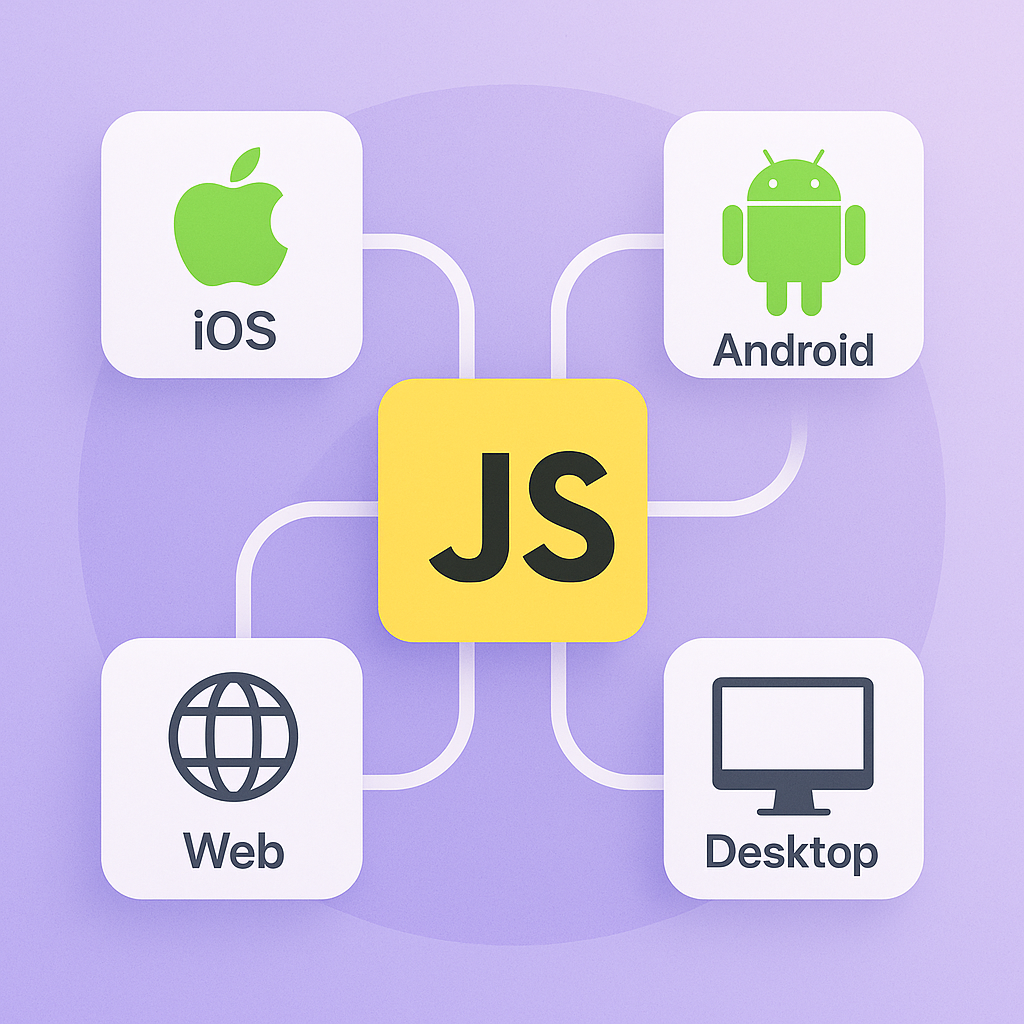
By the end of this guide, you’ll understand which JavaScript frameworks power modern mobile apps, how to choose among them, and advanced tactics—like shared monorepos, PWAs, WebAssembly, and more—to build high-performance, maintainable experiences across iOS, Android, web, and desktop.
Why JavaScript rules mobile development
JavaScript lets you ship apps to multiple platforms from a single codebase, tapping into huge ecosystems of libraries and developers.
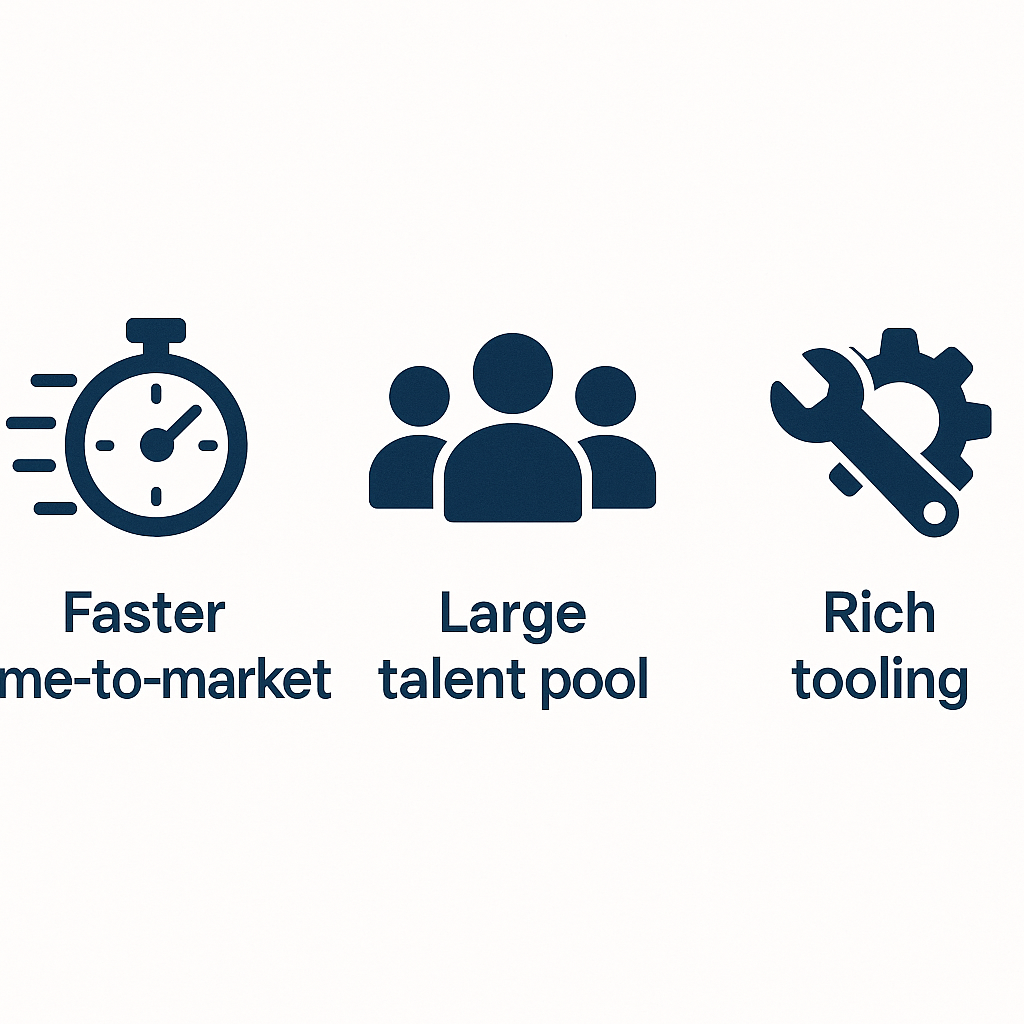
Faster time-to-market: reuse logic and UI components.
Large talent pool: hire devs with web skills—JavaScript has led the pack for over a decade, according to the Stack Overflow 2023 Developer Survey .
Rich tooling: from linters to CI/CD pipelines.
Source: “JavaScript is used by over 97% of websites” — W3Techs overview of JavaScript usage
Top JavaScript frameworks for mobile apps
React Native
Build true native UIs using JavaScript and JSX. Offers near-native performance, hot reloading, and a massive community.
Learn more: https://reactnative.dev/
Ionic
Create hybrid apps with HTML, CSS, and JS that run in a WebView or via Capacitor/Cordova. Write once, deploy everywhere.
Learn more: https://ionicframework.com/
NativeScript
Render native UI components directly from JavaScript or TypeScript. Access any native API without wrappers.
Learn more: https://nativescript.org/
Framework7
Ideal for prototypes and simple apps, it gives a native-like look by using HTML, CSS, and JS.
Learn more: https://framework7.io/
Vue Native
Leverage Vue.js syntax on top of React Native for smaller learning curves if you know Vue.
Learn more: https://vue-native.io/
Quasar Framework
Based on Vue, it builds SPA, PWA, mobile, desktop, and Electron apps from one codebase.
Learn more: https://quasar.dev/
Onsen UI
A Web Components–based UI toolkit for hybrid apps, compatible with Angular, React, or Vue.
Learn more: https://onsen.io/
Framework | Type | Primary Use Case | Learning Curve | Official Website |
|---|---|---|---|---|
React Native | Native | True native UIs with JavaScript/JSX | Moderate (JSX, React) | https://reactnative.dev/ |
Ionic | Hybrid | HTML/CSS/JS apps via WebView/Capacitor | Easy | https://ionicframework.com/ |
NativeScript | Native | Native UI components with JS/TS | Moderate | https://nativescript.org/ |
Framework7 | Hybrid | Prototypes & simple native-like apps | Easy | https://framework7.io/ |
Vue Native | Native | Vue.js syntax on React Native | Easy (if know Vue) | https://vue-native.io/ |
Quasar Framework | Hybrid | SPA, PWA, mobile, desktop, Electron | Moderate | https://quasar.dev/ |
Onsen UI | Hybrid | Hybrid apps with major JS frameworks | Easy | https://onsen.io/ |
---
Choosing a framework depends on:
Target platforms (iOS, Android, web, desktop)
Team expertise (React vs Angular vs Vue)
Performance needs (CPU-heavy vs form-based apps)
Community size and plugin ecosystem
Next-level cross-platform strategies
Beyond picking a framework, these tactics ensure consistency and speed across every platform.
Shared codebases with monorepos
Use Nx or Turborepo to host React (web), React Native (mobile), and Electron (desktop) in one repo. You can centralize:
UI logic and hooks
Design tokens and theming
API services and state management
Progressive Web Apps as a platform
Workbox enables offline caching and background sync, making your PWA installable on mobile and desktop. In many cases, Capacitor wrappers become optional.
Source: Google Developers: Workbox
WebAssembly for heavy lifting
Offload CPU-intensive tasks (image processing, crypto) to Rust or C++ compiled to WASM, while keeping your UI in React Native or Ionic.
Source: WebAssembly.org Getting Started
Custom native modules and bridges
When built-in APIs fall short, write Swift/Kotlin plugins for React Native or Capacitor. Organize them under `/native-modules`, version with git tags, and test via unit tests and E2E on simulators.
Source: React Native Native Modules Intro
Performance profiling and tuning
Hermes profiling via Introducing Hermes
React Profiler to spot wasted renders
Android Systrace and Xcode Instruments for thread contention
Best practices for building, deploying, and maintaining
Secure storage & auth parity: Keychain/Keystore vs localStorage ( Web Storage API )
Runtime choice: Hermes vs JSC trade-offs in startup time and memory ( Introducing Hermes )
Accessibility: follow WCAG, test with VoiceOver/TalkBack ( WCAG guidelines )
Testing matrix: Jest for units ( Jest getting started ), React Native Testing Library for components, Detox/Playwright for E2E
Tool | Testing Focus | Documentation Link |
|---|---|---|
Jest | Unit Testing | |
React Native Testing Library | Component Testing | |
Detox | E2E Testing | |
Playwright | E2E Testing |
CI/CD pipelines: Fastlane + Gradle/Xcode caching + CodePush/OTA updates
App size optimization: tree-shaking, Hermes bytecode, R8 resource shrinking
Internationalization: ICU-based libraries for plural rules and RTL layouts
Monitoring & logging: Sentry or Bugsnag for JS and native crash reports
Your next step
You’ve seen which frameworks lead the pack, how to choose wisely, and dozens of advanced strategies to unify code, boost performance, and streamline maintenance across mobile, web, and desktop. Pick a framework, adopt a monorepo structure, and start prototyping—your next cross-platform app awaits.
:format(webp))
:format(webp))
:format(webp))